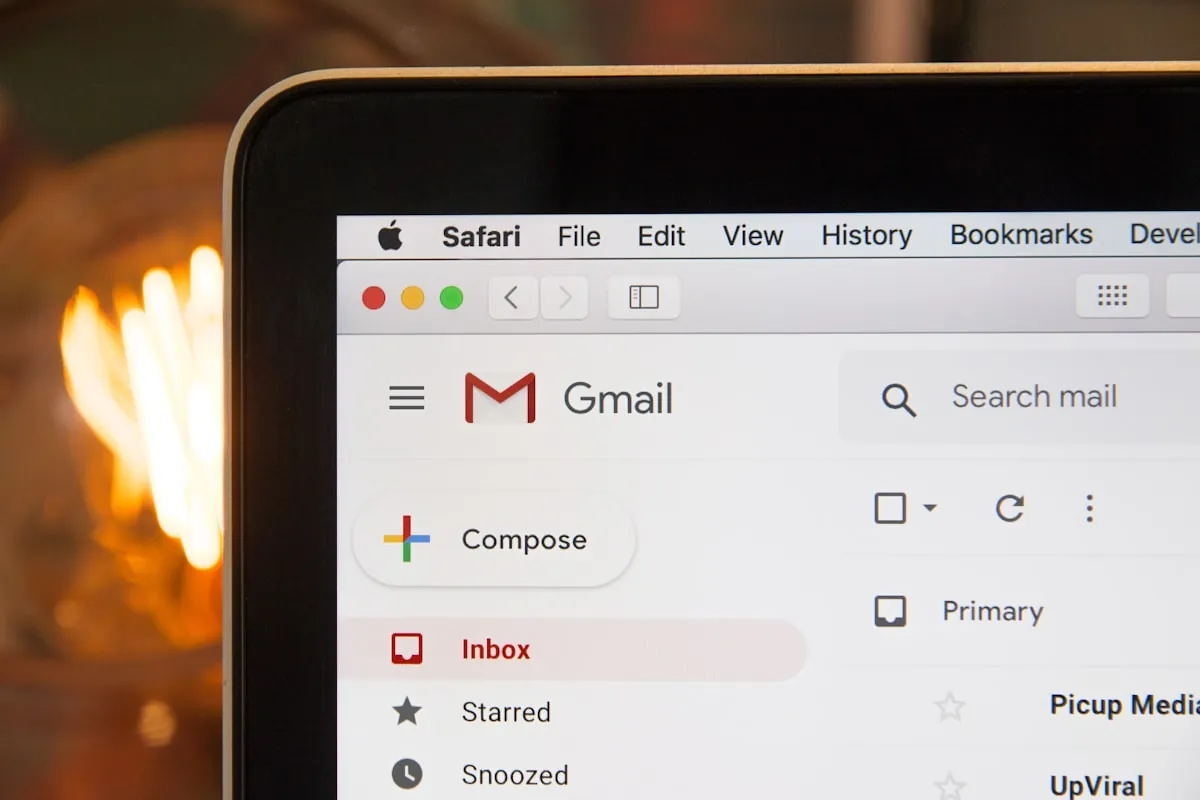
So I lost a client once because my email went straight to their spam folder. They never saw my proposal. Found out two weeks later when they'd already signed with someone else. Turns out sending business emails from a free Gmail address with a bunch of numbers in it doesn't exactly scream professional.
That stung enough to make me actually figure this stuff out. Ended up setting up Google Workspace for one business and Microsoft 365 for another over a few months. Had to migrate old emails, mess with DNS for domains, troubleshoot calendar invites that randomly broke, deal with mobile apps that wouldn't sync properly.
Too long won't read? Google Workspace for most people. Gmail is Gmail and that's not a bad thing. Microsoft 365 if your industry runs on Excel or clients expect actual Word docs. Zoho if you're watching every dollar and okay with some rough edges.
Why Business Email Hosting Matters
Using [email protected] for business is fine when you're starting. But at some point, it starts working against you.
People Actually Judge This
[email protected] versus [email protected]. Which one would you take more seriously? I've watched potential clients pause on calls when they realize my email isn't from a business domain. Not everyone cares but enough do that fixing it for twenty bucks a month is kind of a no-brainer.
Deliverability Matters
Free email providers have shared IP reputations. If someone else using that same IP gets flagged for spam, your emails can suffer too. Business email hosting gives you better control over your sending reputation.
My cold emails started landing in inboxes instead of spam after switching. Not a scientific study, but noticeable enough that I stopped second-guessing whether messages were getting through.
Team Collaboration
Once you have more than one person, sharing calendars, managing permissions, and keeping everyone organized becomes a thing. Business email platforms handle this. Chat apps are great, but email is still where external communication happens.
Admin Control
When someone leaves, you need to transfer their email. When someone gets phished, you need to reset their password. When you add a contractor, you need to set up a new account. Business email gives you the control panel to handle all of this.
The Options Worth Looking At
Google Workspace
It's Gmail but with your business domain attached. If you already know how to use Gmail you're basically done learning.
What actually sells it is how everything connects. Drive and Docs and Meet and Calendar all talk to each other. Search actually finds things. Mobile apps work properly which sounds basic but somehow isn't always true.
You're getting custom email with your domain, 30GB of cloud storage on the starter plan, video calls through Meet, shared calendars, and an admin panel that doesn't require a CS degree. Two-factor auth is built in too.
Pricing starts at seven bucks per user per month. Fourteen gets you more storage and recording in Meet. Twenty-two for 5TB storage and better security features. Enterprise exists but if you need it you probably have an IT person figuring this out for you.
I set it up once about two years ago and haven't really thought about it since. The admin console makes sense even to people who aren't technical. Support could be better on the cheap plans but I've rarely needed it.
Works best if your team's already living in Chrome and Google Drive. Startups seem to love it. Clean interface people especially.
Downsides? No desktop email app comes with it. You're using the browser or setting up something like Spark or Apple Mail yourself. Some people really miss Outlook's desktop experience. And yeah support on Business Starter is whatever.
Try Google Workspace FreeMicrosoft 365
Microsoft's version of the same idea. Outlook for email, OneDrive for files, Teams for calls, and the desktop Office apps that certain industries absolutely refuse to give up.
The desktop apps are honestly the main reason people pick this. Need actual Word installed on your computer? Excel that isn't a browser tab? PowerPoint that works offline? This is the only option that includes all that. Google's web apps are good but they're not the same thing.
You get Outlook email on your domain, 1TB of OneDrive storage on every business plan which is pretty generous, the desktop Office suite on most plans, Teams for video and chat, and SharePoint if you need it. Admin center is thorough but takes some getting used to.
Six bucks per month per user for Business Basic gets you web apps only. Twelve fifty for Standard adds the desktop apps. Twenty-two for Premium with better security. They usually want annual commitment for the best prices.
It's heavier than Google. More buttons, more settings, more stuff to figure out. The admin panel made me want to close my laptop the first time I opened it. But if your clients send Word docs and expect Word docs back, or your industry lives in Excel, this is probably what you need.
Accountants love it. Lawyers love it. Finance people love it. Anyone who learned Office in the 90s and never stopped.
The downside is complexity. Feels like everything was designed for huge enterprises and then someone tried to scale it down for five people. Results are... mixed.
Try Microsoft 365 FreeZoho Mail
The underdog nobody talks about but probably should. Part of Zoho's massive suite of business apps. Way cheaper than Google or Microsoft and honestly better than you'd expect from the price.
Interface is clean enough. Not Gmail pretty but not ugly either. And they have a free tier for up to five users which is kind of wild when everyone else wants money immediately.
You get email on your domain, anywhere from 5GB to 50GB storage depending on plan, docs and meetings through other Zoho apps, calendars, contacts, and an admin panel. Pretty complete actually.
One dollar per user per month for Mail Lite. Four dollars for Premium with more storage. Zoho Workplace bundles start at three bucks. Or free for up to five people if you're just getting started.
I ran it for a side project for about six months. Email worked fine. The Zoho app integrations are good if you're using their CRM or other tools. It's just... not as smooth as Google. Rougher around the edges. But for a fraction of the price that's probably fair.
Makes sense for freelancers and tiny teams who count every dollar. Also for people already using Zoho CRM or their other products.
Rough spots? Interface feels a little dated in places. Fewer third-party apps connect to it. Support is inconsistent. But again. One dollar.
Try Zoho Mail FreeQuick Numbers
Just so you can compare without scrolling back up:
What it costs: Google is seven bucks per person per month. Microsoft is six to start. Zoho is one buck or literally free for small teams.
Storage: Google gives you 30GB to start. Microsoft gives everyone 1TB which is generous. Zoho starts at 5GB on cheap plans but goes up to 50GB.
Desktop apps: Only Microsoft includes actual Office installed on your computer. Google and Zoho are browser-based with some exceptions.
Video calls: Google has Meet. Microsoft has Teams. Zoho has Meeting on certain plans. All work.
Bottom line: Google for simplicity and search. Microsoft for desktop Office. Zoho for saving money.
Okay But Which One
You're probably overcomplicating this. My honest take:
Google Workspace makes sense when...
Your team's already in Gmail and Drive. You like clean and simple. Desktop Office apps don't matter to you. You want admin panels that don't require a manual.
This is probably the right call for most small businesses honestly. Gmail is Gmail. Search works. Things connect to each other without drama.
Microsoft 365 makes sense when...
Clients send you Word docs and expect Word docs back. Your industry runs on Excel and PowerPoint (accounting, legal, finance, consulting). You actually want desktop apps not browser tabs. Everyone you know is already using Microsoft stuff.
Don't fight the current. If your whole world uses Office just use Office.
Zoho makes sense when...
Every dollar matters right now. You're solo or have like three people. You're already using Zoho CRM or their other tools. You need to start with free and upgrade later.
It works. Not as slick, not as pretty, but gets the job done for almost no money.
Still stuck?
All three have trial periods. Sign up, mess around, send test emails, check the calendar. Within a day you'll know which one bugs you least.
In my experience people who already use Gmail pick Google. People in traditional industries pick Microsoft. People counting pennies pick Zoho. All three are fine choices.
Actually Moving Your Email
This sounds scarier than it is. I've done it three times now and the longest one took maybe four hours including troubleshooting a weird DNS thing. Most take under two.
Before you do anything
Export your old email if you can. Write down any filters or rules you set up because you'll forget. Your email address isn't changing by the way since you're keeping the domain. Just the backend stuff.
The basic steps
Sign up for whichever one you picked. Add some DNS records to prove you own the domain. Run their migration tool to pull over old emails. Change your MX records to point at the new servers. Wait an annoying amount of time for DNS to propagate. Send test emails to yourself from other accounts to make sure it works.
Stuff I learned the hard way
Do this Friday afternoon. Seriously. If something breaks you have the weekend to fix it before Monday's emails start piling up. Don't delete your old provider immediately. Keep it running for a week just in case something got missed. And tell your team it's happening so nobody panics when their inbox looks different.
Frequently Asked Questions
After All That
Three months of testing. Two business migrations. Way more emails than I want to think about.
Google Workspace is what I tell most people to get. Gmail works the way you expect. The admin stuff isn't confusing. Everything connects to Drive without extra setup. Seven bucks a month per person is fair.
Microsoft 365 when your job requires actual Office documents. Not Google Docs exported as Word files. Real Word documents that need to look exactly right. Some industries are just like this and fighting it wastes energy.
Zoho when you're bootstrapping and watching every expense. The free tier actually works. Paid plans are dirt cheap. It's rougher around the edges but edges don't pay rent.
Just pick one and set it up this week. Stop sending business emails from [email protected]. It's a small thing but people notice more than you think.
Get Google Workspace - Our Top Pick