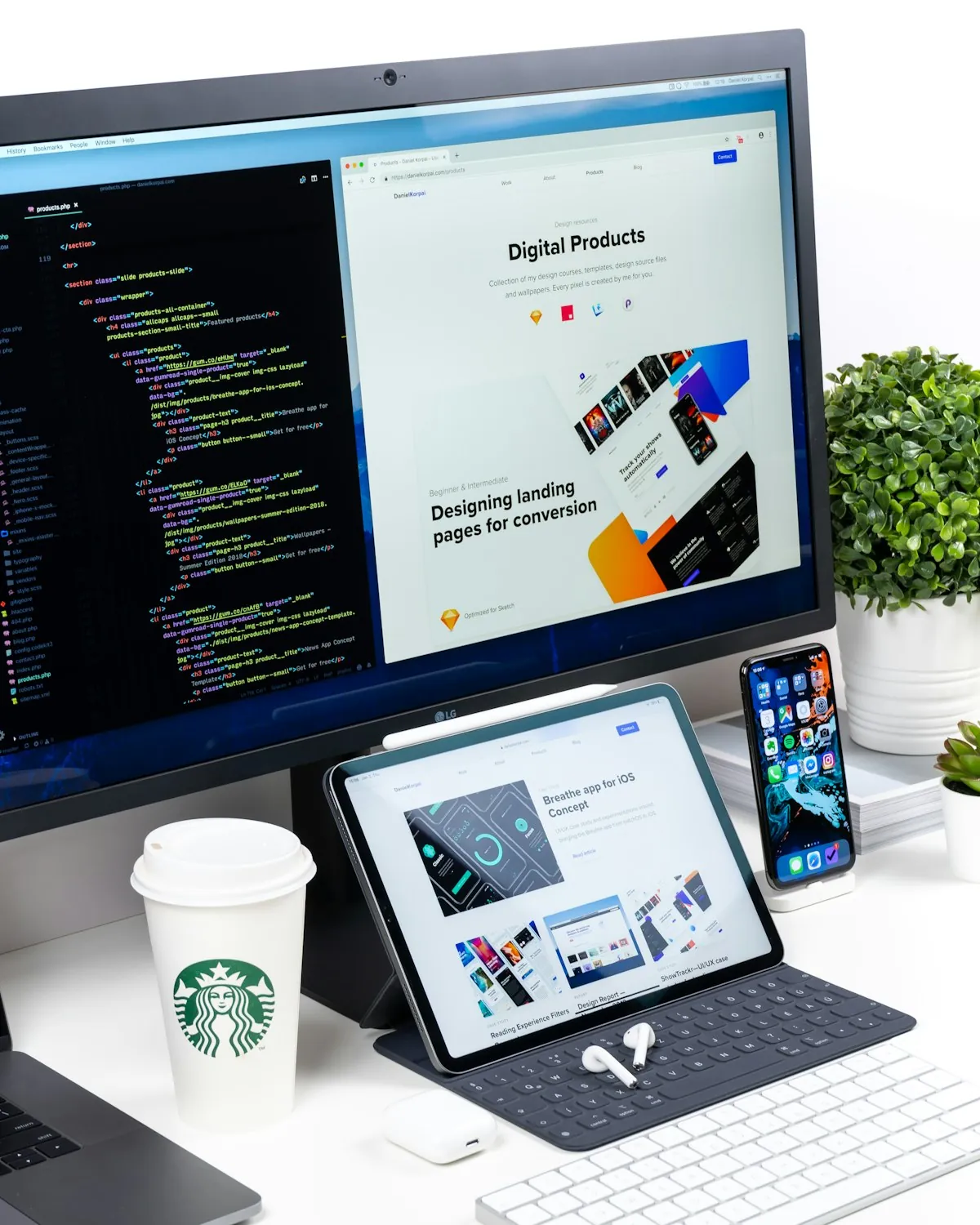
Used one monitor for two years. Then two for three years. Tried three for six months. Currently back to two.
Here's the thing. Those tech YouTuber setups with six curved screens? Mostly for show. Real productivity gains from monitors are more modest than the sponsored videos suggest. And there's a point where more screens just means more places to get distracted.
One screen works fine. Two is the sweet spot. Three starts costing more than it helps. Let me explain why based on actual usage data. Not spec sheets.
How many monitors do you actually need?
Single monitor works totally fine for most remote work honestly, you're not handicapping yourself by sticking with one good screen if that's what you've got right now or what fits your budget and desk space. The productivity gains from adding more monitors are real but way more modest than tech reviewers make them sound in their sponsored videos trying to sell you stuff, and there's definitely a point of diminishing returns where adding more screens just gives you more places to get distracted rather than actually making you meaningfully more productive at your work.
Two monitors is the sweet spot for most remote workers who multitask frequently throughout their day, gives you enough screen real estate to have your main work on one display and reference materials or communication apps on the other without constantly minimizing and maximizing windows or splitting your screen into tiny sections that are hard to read. Primary screen for whatever you're actively working on whether that's writing or coding or design work, secondary screen for Slack, email, Zoom, documentation, whatever supporting stuff you need visible but not taking up your main workspace where you're trying to focus. Makes a noticeable difference if you regularly reference information while working on something else simultaneously, probably overkill if you mainly work on one thing at a time without much multitasking or window switching throughout your typical workday.
Three or more monitors enters territory where you really need to justify it based on your specific work requirements because you're adding cost and desk space and complexity for gains that most people won't actually utilize effectively in practice. Makes sense for specific use cases like trading where you need constant visibility of multiple data streams simultaneously, video editing where you want timeline on one screen, preview on another, tools on a third all spread out comfortably, or development work where you genuinely benefit from having code on one screen, documentation on another, terminal and tools on a third without cramping everything. For typical remote work though involving email and documents and video calls and web browsing? Honestly probably just giving yourself more opportunities for distraction with Twitter or YouTube open on that third screen you didn't really need for actual productivity but now it's there tempting you.
What actually matters more than count
What matters way more than monitor count is actually getting screens that are the right size and resolution for comfortable extended use without straining your eyes or neck throughout long workdays. One really good 27-inch or 32-inch monitor at proper resolution beats two crappy 21-inch screens that are too small and low resolution to use comfortably for hours on end without getting tired and frustrated. Resolution matters enormously for reducing eye strain when you're staring at text all day - 1080p is okay for smaller screens under 24 inches but starts looking noticeably pixelated and blurry on anything larger where you can see individual pixels, 1440p is the sweet spot for 27-inch displays giving you crisp text without needing to scale everything up so large that you lose screen real estate, 4K makes sense for 32-inch and larger screens or if you work with detailed graphics and photos where you need that extra clarity.
Screen positioning and ergonomics
Screen positioning and ergonomics matter just as much if not more than how many monitors you have sitting on your desk looking impressive. Primary monitor should be directly in front of you at arm's length away, top of the screen at or slightly below eye level so you're not constantly tilting your head up or down which causes neck strain over time that'll hurt way more than you'd expect, centered on your sitting position not off to one side where you're twisting to look at it for hours. Secondary monitor goes to your dominant side at a slight angle, not so far to the side that you're constantly turning your head dramatically which gets uncomfortable fast during long work sessions. If you're using a laptop as one of your displays raise it up on a stand to proper eye level and get an external keyboard and mouse because hunching over looking down at a laptop on your desk all day absolutely destroys your neck and shoulders over time in ways you'll definitely regret.
Budget reality
Decent monitors cost anywhere from $150 for basic 24-inch 1080p displays that work fine for simple tasks to $800+ for premium 32-inch 4K screens with all the features you could want. Most remote workers are well-served by spending $250-400 per monitor in that mid-range sweet spot where you get 27-inch 1440p displays with good color accuracy and build quality that'll last years without issues, enough screen space to work comfortably, resolution that keeps text crisp and clear even after hours of reading. Going cheaper usually means compromises in panel quality where colors look washed out and viewing angles are terrible, or lower resolution that makes text harder to read comfortably, or flimsy build quality that wobbles when you type and breaks after a year. Going more expensive gets you nicer features like better color accuracy if you do photo work, higher refresh rates if you game, USB-C connectivity with charging, but doesn't fundamentally improve the experience for typical office work where you're mainly looking at text and web pages throughout your day.
Ultra-wide monitors as alternative
Ultra-wide monitors deserve mention as an alternative to multiple separate displays if you like the idea of more screen space without the bezels and gaps between different monitors breaking up your view. Single 34-inch or even 49-inch ultra-wide screen gives you roughly the same horizontal space as two regular monitors side by side but in one continuous display that looks cleaner on your desk and works great for certain workflows. Downsides: expensive compared to buying two regular monitors, harder to arrange windows efficiently sometimes because you lose that natural division between screens that makes it obvious where to put different things, and if it breaks or has issues you lose your entire display setup at once instead of just one monitor. Works really well for coding and creative work where you benefit from that seamless wide canvas, less ideal for general office work where having distinct screens actually helps mentally separate different types of tasks and information.
Laptop plus external monitor
Laptop screen plus one external monitor is honestly the most common setup for remote workers and works perfectly fine for most situations you'll encounter day to day. Laptop becomes your secondary display for less important stuff like email and Slack that you want visible but not taking up your main screen space, external monitor becomes your primary workspace where you do actual focused work and need the extra screen real estate and better ergonomics from a properly positioned display. Way cheaper than buying two external monitors, more flexible since you can take the laptop elsewhere when needed, uses less desk space than a full multi-monitor setup that spreads across your entire workspace. Main downside is you're looking at two different screen sizes and probably different resolutions and color profiles which can be slightly annoying when moving windows between them, plus the laptop screen is usually lower quality and positioned awkwardly compared to a proper external display at the right height.
The productivity research
Productivity research on multiple monitors shows mixed results with some studies showing modest improvements of 10-20% for specific multitasking workflows while others show minimal or no significant differences according to human-computer interaction research. Reality is it depends entirely on what work you do and how you work - if your job involves constantly referencing multiple documents while writing or comparing data across different sources then yeah having multiple screens helps noticeably, if you mainly focus on one task at a time then you probably won't see much benefit from that second screen and might actually get more distracted by having extra stuff visible. Don't buy more monitors expecting some magical productivity transformation, buy them if you have a specific workflow pain point that more screen space would actually solve in your daily work routine.
Desk space and cable management
Desk space and cable management become real considerations when you start adding multiple monitors to your setup that you need to plan for before buying. Two 27-inch monitors take up basically your entire desk horizontally unless you have a really large workspace, three monitors definitely require either a massive desk or monitor arms to stack them efficiently without taking over your entire room. Cable management gets messy fast with multiple power cables and video cables and USB cables running everywhere creating a tangled mess behind your desk that's annoying to deal with when you need to change something. Monitor arms help with both space and cable management by lifting screens off your desk and routing cables cleanly, but they're an extra $100-200 per monitor on top of the display cost itself and require a desk that can support clamping or drilling for mounting which not everyone has available in their space.
When one monitor is genuinely enough
When one monitor is genuinely enough and you shouldn't feel bad about it - if you mainly do focused work on one application at a time like writing or design or deep coding sessions, if your work is mostly sequential rather than needing multiple things visible simultaneously, if you use virtual desktops or window management tools effectively to organize your workspace without needing physical screen separation, or honestly if you just prefer the simplicity and focus of one screen without the distraction and complexity of managing multiple displays. Some incredibly productive people work entirely on laptop screens or single monitors because they've optimized their workflow around that constraint rather than throwing hardware at the problem, and that's totally valid if it works for your brain and your work style.
When two monitors make clear sense
When two monitors make clear sense - if you're constantly switching between applications throughout your day and losing focus from all that window management, if you regularly need to reference documentation or data while working on something else, if you do video calls frequently and want to keep the call visible while taking notes or working on other things, if you work with large spreadsheets or documents where having more horizontal space actually helps you see more information at once without scrolling constantly. The improvement is real and noticeable for these specific workflows, just not as dramatic as people sometimes claim when they're trying to justify their elaborate setups to others or themselves.
When three or more screens actually make sense
When three or more screens actually make sense - honestly pretty rare for typical remote work unless you have very specific professional needs. Stock trading where you need constant visibility on multiple markets and data feeds simultaneously. Video production where you benefit from preview, timeline, and tools all separated across different displays comfortably. Maybe development work with particularly complex workflows requiring lots of simultaneous visibility into different systems and documentation, though honestly most developers work fine with two screens or even one if they're good with their tools. If you're considering a third monitor really think hard about whether you'll actually use it productively or if it'll just become a permanent home for Slack or Twitter that distracts you more than it helps.
Bottom line
Bottom line on monitor count - most remote workers are well-served by either one really good monitor if they work on focused single tasks, or two decent monitors if they multitask frequently and reference multiple things simultaneously throughout their workday. More than two enters diminishing returns territory fast where you're adding cost and complexity for minimal actual productivity gains unless you have specific professional requirements that genuinely benefit from all that screen real estate being visible at once.
Start with one good monitor if you're on a budget or trying to minimize desk clutter, add a second if you find yourself constantly frustrated by window management and switching between applications all day. Don't add a third unless you have a specific workflow that you can clearly articulate where that extra screen solves a real problem you're experiencing regularly rather than just seeming like it might be nice to have more space available.
Check out the best monitors for remote work comparison if you're ready to buy and want specific model recommendations at different price points.
Tiny disclaimer here: This is general guidance about monitor setups for remote work based on typical use cases and years of trying different configurations. Your specific needs might differ based on your work type and personal preferences and desk space limitations. Think about your actual workflow before buying more monitors.