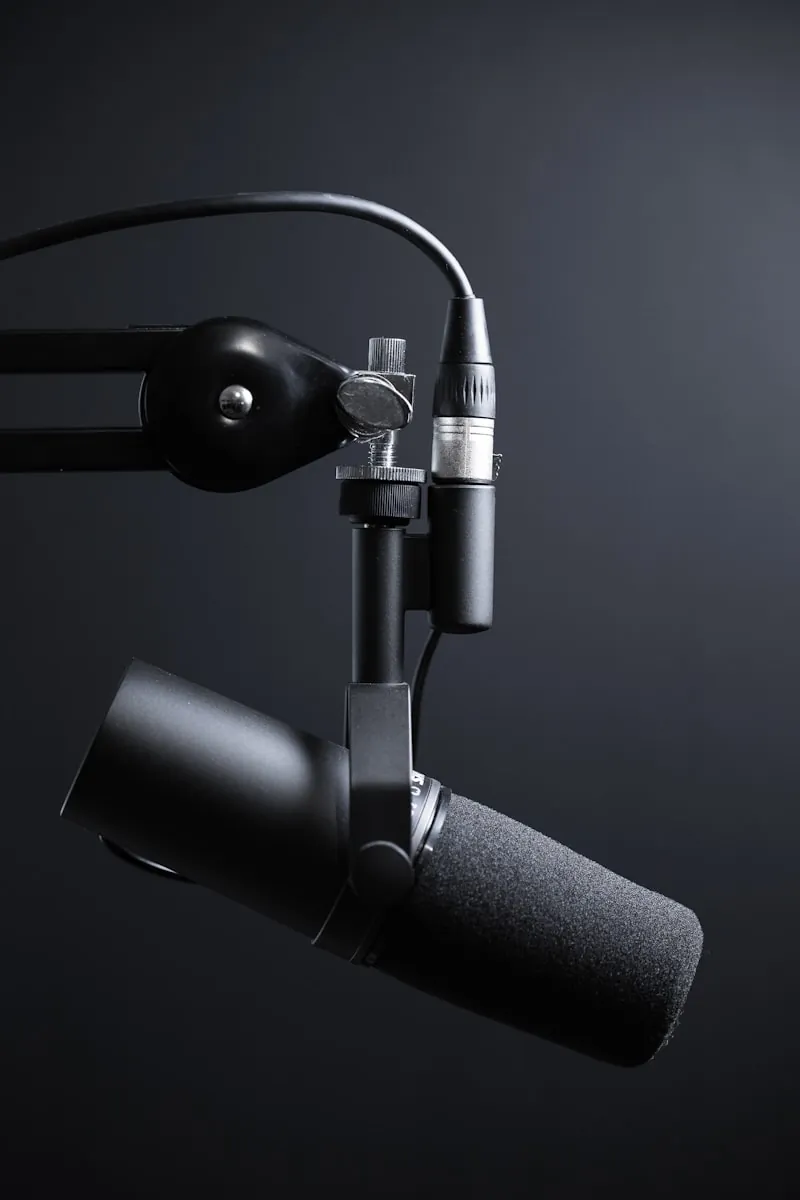
Bought my first audio interface in 2019 because my USB microphone picked up my mechanical keyboard like it was part of the meeting. Spent $89 on something from Amazon with 4,000 reviews. Returned it eleven days later because the latency made me feel like I was talking through a tunnel.
Since then I've gone through maybe eight different interfaces across three brands. Most people working remotely don't actually need one. But if you're recording stuff—podcasts, YouTube videos, voiceovers—or if you've got a nice XLR mic you want to plug into your computer, that's when an interface starts making sense.
For the skimmers: Focusrite Scarlett Solo handles most situations. Behringer UMC22 when money's tight. PreSonus AudioBox if their bundled software appeals to you.
Quick Picks
| Interface | Best For | Price | Preamps |
|---|---|---|---|
| Focusrite Scarlett Solo | Most people | ~$130 | ISA-style |
| Behringer UMC22 | Budget setups | ~$50 | MIDAS |
| PreSonus AudioBox | DAW bundle | ~$100 | Class A |
Quick Version of What These Things Do
Going to explain this because nobody did for me. An audio interface goes between your mic and your computer. Takes that analog signal, turns it digital, sends it off to your recording app.
USB Microphones
Handle conversion themselves. Totally fine for Zoom. But conversion chips in most USB mics? Kinda cheap. Preamps are whatever. You're locked into what the company put in there.
Best for: Simple video calls, casual recording
Audio Interface + XLR
Better preamps, cleaner conversion, freedom to use whatever XLR microphone catches your eye. Also lets you run multiple mics, plug in instruments, connect studio monitors.
Best for: Podcasting, content creation, music
Downside: more gear, more setup, steeper learning curve. Worth it if your audio quality actually impacts your work though.
The Preamp Thing Nobody Explains Well
Preamp amplifies your microphone signal before the conversion happens.
Bad preamp forces you to jack up the gain, which brings in noise and hiss. Decent preamp stays quiet even when you're pushing it.
Companies love throwing around terms like "MIDAS preamps" or "ISA-style circuitry." Sounds like marketing nonsense but there's real stuff behind it. Different preamps genuinely do sound different—some add warmth, some stay super neutral, some turn to mud when you push them hard.
For remote work and podcasting you probably want neutral and clean. Not trying to record some vintage vibe here. Just want your voice to come through clearly without garbage noise underneath it.
Focusrite Scarlett Solo — What I Actually Use
Been using the fourth gen Solo for roughly eighteen months now. It's the tiny one—single mic input, single instrument jack. Plenty for recording one person, which covers basically everyone working from home.
Generation four finally shipped with USB-C instead of that annoying proprietary cable. They added this "Air" mode too that brightens up vocals a bit. I skip it for regular calls but flip it on when I'm recording something I'll edit later.
Who should grab this: Anybody recording themselves solo who wants gear that'll still work great in five years. The default recommendation for a reason.
Behringer UMC22 — The Budget Pick
Okay so if Scarlett pricing makes you wince, start here instead. Fifty bucks for an interface with MIDAS preamps. Like, actual branded MIDAS preamps. That's kind of wild honestly. Bought one out of curiosity and now it lives in my travel bag.
Conversion quality sits below the Scarlett—little more noise when you really push gain high. Housing is plastic instead of metal. But for getting clean audio into your computer without spending much? Pretty hard to complain.
Who should grab this: Budget setups, backup units, traveling where you'd rather not haul expensive gear.
PreSonus AudioBox USB 96 — The One With Good Software
Hundred dollar option that I mention less often, but it has a specific appeal. PreSonus bundles Studio One Artist with their interfaces. Not some crippled trial version—actual functional DAW software.
If you're getting into music production or doing serious podcast editing, that software being "free" changes the math. Hardware itself is competent. Two combo inputs, preamps that don't embarrass themselves, reasonably sturdy build.
Who should grab this: People wanting Studio One included, anyone needing two inputs cheaper than Scarlett 2i2, streamers who care more about software than ultimate preamp quality.
The Expensive Stuff You Probably Don't Need
SSL2, Universal Audio Volt, MOTU M2—you'll see these show up in gear lists everywhere. They're excellent. They're also three hundred bucks minimum and way overkill for remote work situations.
SSL2 (~$250)
Gorgeous preamps, Legacy 4K mode. Studio quality.
UA Volt (~$200)
Sounds phenomenal. Vintage mode for character.
MOTU M2 (~$200)
Conversion quality borders on studio reference.
Honest take: Video calls and YouTube content? That extra $200-400 mostly buys bragging rights. Put the savings toward a better microphone instead. Mic quality matters more than interface quality ninety percent of the time anyway.
Specs Worth Caring About
Interface marketing loves sample rates and bit depth. "192kHz/24-bit!" plastered everywhere like it's impressive. Here's the thing: nobody actually records at 192kHz. Files would be massive. You'll stick to 48kHz for video stuff, maybe 44.1kHz for music.
Preamp Noise Floor (EIN)
How much hiss appears when gain goes up. Lower numbers are better. Spec sheets list this as EIN (equivalent input noise). Below -125dB is solid.
Latency
Gap between making a sound and hearing it back in your headphones. Under 10ms feels instant. Over 20ms starts getting weird and distracting.
Build Material
Plastic versus metal. Sound stays the same either way but metal survives getting knocked off desks better.
Headphone Output Power
Cheap interfaces sometimes can't properly drive higher impedance headphones. Scarlett and established brands don't have this problem.
Setup Steps That Reviews Always Skip
Getting one of these running isn't rocket science but some steps trip people up.
Install Drivers First
Install manufacturer drivers first, then connect the interface. Windows especially gets confused doing it backwards. Grab drivers from the actual company website.
Set Interface as Audio Device
Set your interface as input AND output in both your system audio settings and your recording app. Zoom has its own audio preferences separate from Windows.
Set Gain Properly
Start gain turned down, bring it up until peaks hover around -12dB on your meters. Leaves breathing room before hitting digital clipping.
Enable Direct Monitoring
Routes your mic straight to headphones without passing through the computer. Zero latency that way. Tradeoff is you won't hear any software processing in real time.
Picking Based on Budget
Behringer UMC22
Focusrite Scarlett Solo 4th Gen
Focusrite Scarlett 2i2 4th Gen
PreSonus AudioBox USB 96
Avoid
Stuff People Ask
Frequently Asked Questions
Wrapping Up
Audio interfaces aren't mysterious once you get the basic idea: analog to digital conversion, mic amplification, proper monitoring.
Scarlett Solo for dependability and clean preamps.
Behringer UMC22 when budget matters most.
AudioBox if that software package makes sense for you.
Everyone reading this far can probably stop researching and just start recording. Gap between $100 interface and $500 interface matters way less than the gap between making content and endlessly comparing gear.
My keyboard still shows up in recordings sometimes. At least the noise floor is quieter now.