Lost a client because my dog barked. Yep. Kickoff call, she wouldn't shut up, guy says "I don't think this is going to work out" and hangs up. Three grand. Gone.
Background noise matters. Learned that one the hard way.
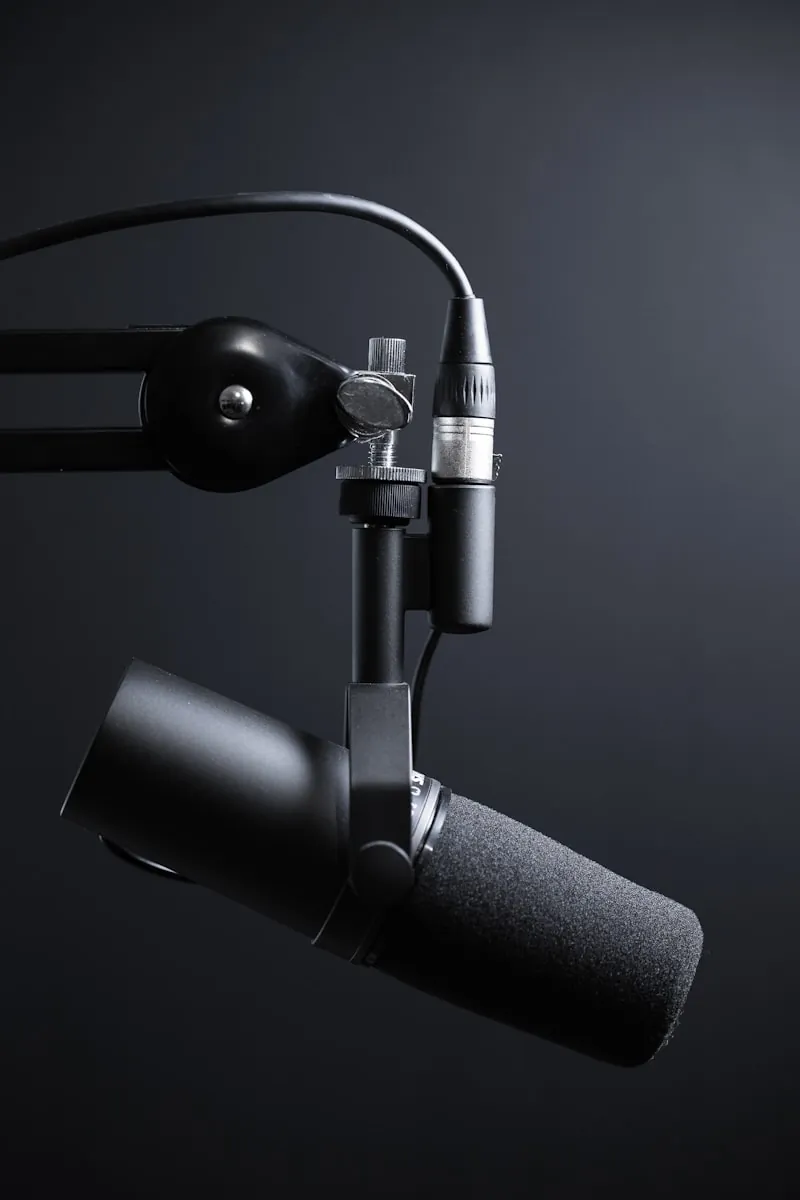
Here's the thing though. Most people buy expensive mics thinking that solves everything. I did. Dropped $200 on a Shure MV7. Guess what? My neighbor's leaf blower doesn't care how fancy your microphone is.
What actually works is boring. Free stuff mostly.
Free Stuff That Helps
Move your face closer to the mic. Like 4-6 inches. Not kidding. Your voice gets louder compared to everything else in the room. Beats expensive gear. Tested it myself.
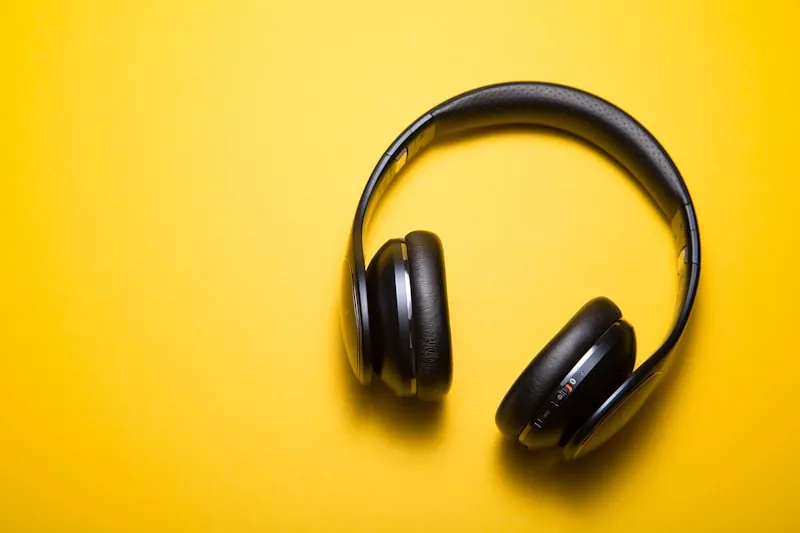
Wear headphones. Literally any headphones. Those $15 earbuds from the gas station? Fine. Without them, your mic picks up audio from your speakers and creates this echo that drives everyone crazy. Sat through calls where someone's voice bounced back three times. Painful.
Close your doors. Yeah, duh. But I forget constantly. My place faces a busy street. One closed door cuts noise in half. Works even if you live alone because sound bounces off open doorways.
Fans and AC? Turn them off before important calls. My ceiling fan through the Shure sounds like a helicopter. Figured that out embarrassingly late.
Your place is just loud? Mute when you're not talking. Zoom: Alt+A. Teams: Ctrl+Shift+M. Learn it. Use it.
Software Options
The noise removal apps have gotten weirdly good. Like actually good.
| Software | Price | Best For | Platform |
|---|---|---|---|
| Krisp | $8/mo | All-around best | Windows/Mac |
| NVIDIA Broadcast | Free | NVIDIA GPU owners | Windows |
| Mac Voice Isolation | Free | Mac users, any app | Mac |
| Zoom Built-in | Free | Zoom users | All |
| Teams Built-in | Free | Teams users | All |
Krisp
Krisp is my pick. Eight bucks a month on yearly billing, $16 if you go monthly. Filters out my dog, construction next door, typing sounds. Pretty much everything. These days the pricing page pushes a 7-day trial of the paid stuff, and 2026 reviews still list a free plan with 60 minutes of noise cancellation a day. Might be enough depending on your call load. Krisp also leans hard into AI meeting notes now. You can ignore all that if you only want the noise part.
NVIDIA Broadcast
Got an NVIDIA RTX card? 2060 or newer? NVIDIA Broadcast does this free. Borrowed a friend's gaming laptop to test it. Solid. Also blurs your background if your bedroom's a mess.
Built-in Platform Options
But most people don't know: your video app already has this built in.
- Zoom hides it in Settings → Audio → "Suppress background noise." Set to High.
- Teams: Settings → Devices → Noise Suppression. High.
- Meet: three dots → Settings → Audio → toggle noise cancellation.
Tested all three. Zoom's version was... okay. Not great. Krisp still wins.
Your Computer Might Already Do It
Worth checking before you pay for anything. On a Mac, start a call in any app, click the mic icon in the menu bar, and pick Voice Isolation under Mic Mode. Works in Zoom, Meet, Teams, whatever. Not bad at all for free.
Newer Windows laptops with an NPU (the Copilot+ ones) have Windows Studio Effects, which includes voice focus for the built-in mic. Look for it in quick settings during a call. Older laptops won't have it.
If you had RTX Voice from years back, that was NVIDIA's old beta. Broadcast replaced it, and it needs an RTX 2060 or newer.
Hardware If You Need It
Sometimes software won't cut it.
Dynamic Mics
Dynamic mics work different than condensers. Less sensitive. Pick up what's right in front of them and ignore the rest. The Shure MV7 is dynamic. Shure has since replaced it with the MV7+, same idea with better onboard processing. The ATR2100x is discontinued now. Audio-Technica's AT2040USB ($159) is the dynamic USB mic they sell in its place.
Headphones
Noise-canceling headphones with decent mics work too. Sony XM5s, which are still sold even though the XM6s ($449.99) are out. Bose killed the 700s. The QuietComfort Ultra replaced them. Pricey but you'll use them for music and flights, so.
Boom Arm + Shock Mount
Boom arm made a real difference for me. Mic goes near my face, off my desk. No more picking up my nervous finger-tapping or keyboard clacking. Add a shock mount ($20-30) and vibrations disappear.
Audio Interface
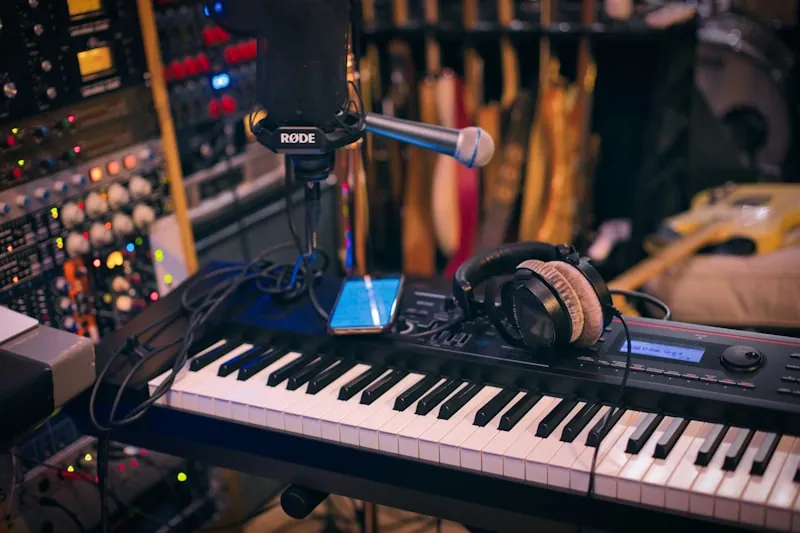
For the nerds: Focusrite Scarlett Solo ($170 for the 4th gen) plus an XLR mic beats any USB mic's noise floor. Overkill for most people though.
Room Acoustics
Moved my desk from a big empty room to a smaller bedroom. Massive improvement.
Smaller rooms with carpet and furniture just sound better. Basic physics.
Thick curtains help. Rugs too. Bookshelves work better than bare walls. My wife's mountain of pillows that I complained about for years? Great for acoustics apparently.
Foam panels are like $20-40. Put them behind your mic. Helps some. Picking the right room helps more honestly.
What To Do (In Order)
Start simple.
- First: Close doors. Wear headphones. Get close to mic. Free. Two minutes.
- Second: Turn on your app's noise suppression. Also free.
- Third: Still bad? Try Krisp's free tier or NVIDIA Broadcast.
- Fourth: Need better? Hardware time. Dynamic mic, boom arm, better headphones.
- Fifth: Really serious? Acoustic treatment.
Most people stop at step two or three. Rest is for podcast-level quality or truly bad spaces.