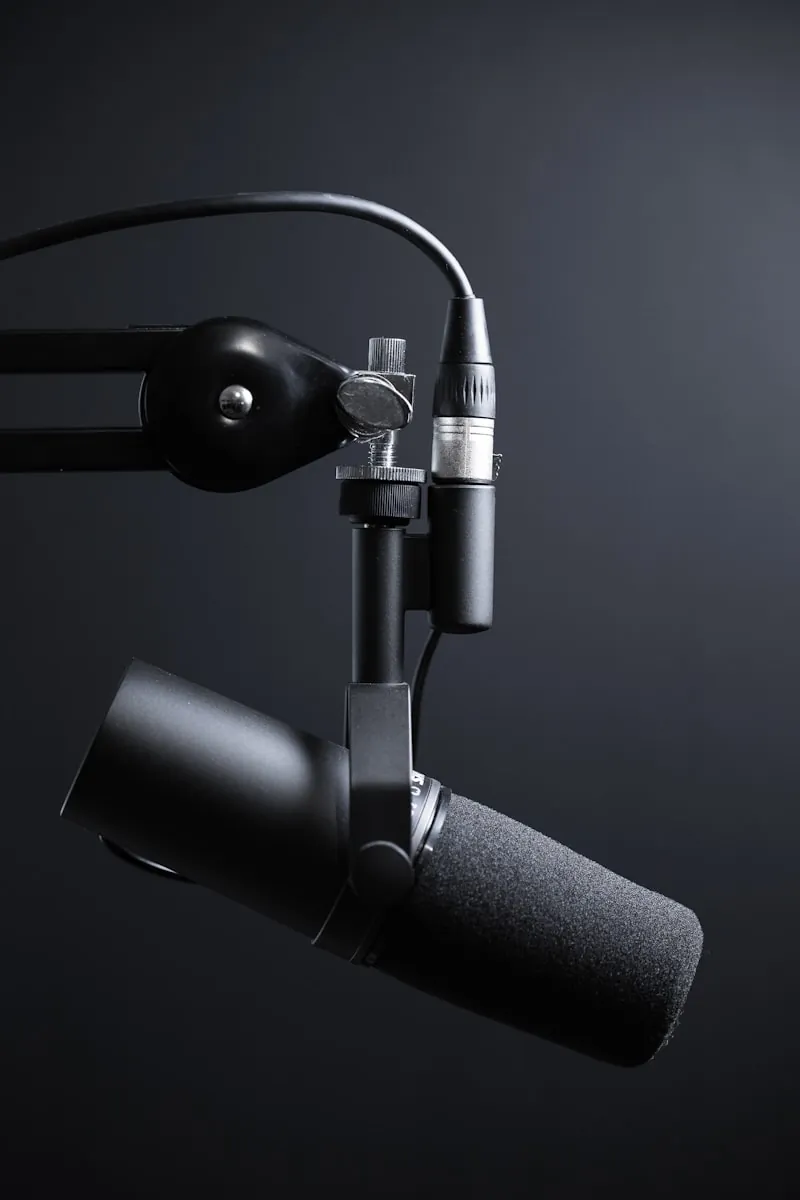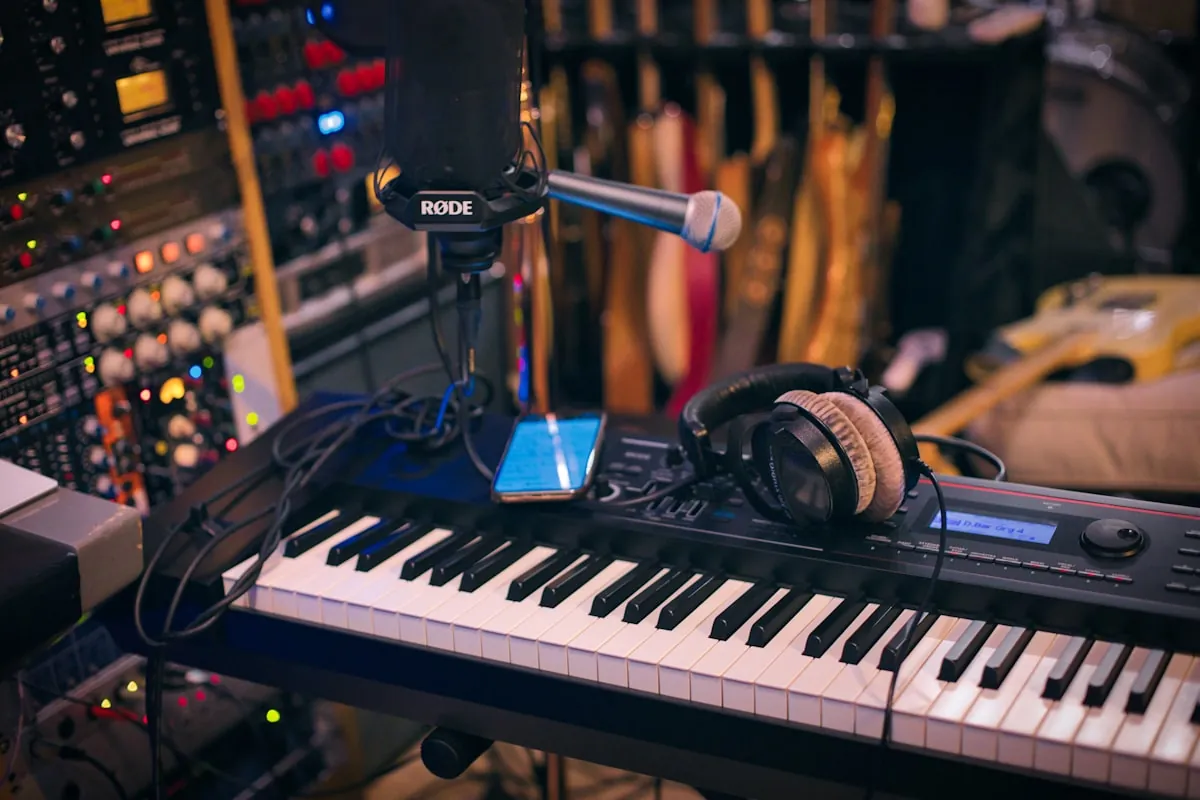
USB or XLR? Honestly, for most remote workers reading this, USB wins. Here's why. And when XLR actually makes sense.
I've tested both extensively. Spent way too much money on mics over the years. And here's what I've learned: the quality difference matters way less than you'd think for video calls.
Quick Comparison
| Feature | USB Microphones | XLR Microphones |
|---|---|---|
| Setup Complexity | Plug and play | Requires audio interface |
| Initial Cost | $50-300 | $150-500+ with interface |
| Audio Quality Ceiling | Very good | Professional/broadcast |
| Latency | Minimal | Zero (with interface) |
| Portability | Excellent | Poor |
| Upgrade Path | Limited | Flexible |
| Best For | Remote workers, beginners | Content creators, podcasters |
What's Actually Different?
The basic difference is simple:
USB mics have everything built in. Plug into your computer's USB port. Done. The mic handles all the audio conversion internally.
XLR mics are old-school analog. They need a separate box called an audio interface to convert the signal for your computer. More gear, more cables, more control.
USB Microphones: Why I Recommend Them
The good stuff
- Plug and play: Connect to USB, select in your settings, you're done. No drivers, no configuration, no headaches.
- All-in-one: Nothing extra to buy. No interface, no cables, no power supplies.
- Portable: I've taken USB mics to coworking spaces, client offices, coffee shops. Try that with an XLR setup.
- Cost effective: Really good USB mics cost $100-250. No interface required.
- Desktop ready: Most come with stands included. Set up takes two minutes.
What's not great
- Quality ceiling: Built-in converters can't match dedicated interfaces. For video calls? Won't notice. For professional music? Maybe.
- No upgrade path: When you outgrow the mic, you're buying everything new.
- Fixed processing: Less control over gain and signal. Usually fine, sometimes limiting.
- Some have latency: Monitoring delay can throw you off. Good mics solve this with direct monitoring.
Who should get USB
- Video calls and remote meetings. This is most of you.
- Casual podcasting or YouTube stuff.
- Voiceovers for presentations.
- Anyone who values simplicity.
- People who travel or work from different spots.
XLR Microphones: When They Actually Make Sense
The good stuff
- Better quality potential: High-end interfaces deliver broadcast-quality audio. Genuinely noticeable.
- Mix and match: Swap mics, interfaces, and accessories. Customize your whole setup piece by piece.
- You can upgrade over time: Don't like your preamps? Swap them. Better mic? Just the mic. XLR lets you improve gradually.
- More mic options: Access the professional catalog. Specialized stuff for specific needs.
- Zero-latency monitoring: Hear yourself instantly through the interface. No delay.
What's not great
- Costs more upfront: Figure $100-500 for the mic, another $100-300 for the interface. Adds up.
- Setup complexity: More cables, more settings, more troubleshooting when things break.
- Not portable: Multiple components to haul around and connect.
- Learning curve: Gain staging, phantom power, signal flow. You'll need to learn this stuff.
- Desk clutter: Interface takes space. Cables everywhere.
Who should get XLR
- Podcasters who want professional quality.
- YouTube creators and streamers who do this regularly.
- Music recording and production.
- Voiceover artists and audiobook narrators.
- Anyone who actually wants to learn audio production.
My Take for Remote Workers
USB wins for most of you. Here's why:
Video calls destroy audio quality anyway
Every video app compresses your audio. Zoom does it. Teams does it. Meet does it. That expensive XLR rig you're considering? Your coworkers won't hear the difference. The compression flattens everything.
Surprise calls happen
USB works immediately. No checking interface settings, no adjusting gain, no phantom power switches. Someone Slacks "quick call?" and you're ready. Three seconds.
Simpler means fewer problems
Fewer components, fewer things to break. No cables coming loose, no interface driver issues, no gain staging mistakes making you sound terrible.
When XLR makes sense for remote workers
If you also create podcast or video content professionally. If you record music or voiceovers. If you already own an interface. If you want maximum flexibility for the future.
Best USB Mics for Remote Work
| Microphone | Type | Best For | Price |
|---|---|---|---|
| Shure MV7 | Dynamic | All-around best | $249 |
| Blue Yeti | Condenser | Versatility | $129 |
| Rode NT-USB Mini | Condenser | Compact quality | $99 |
| Audio-Technica AT2020USB-X | Condenser | Studio sound | $159 |
Shure MV7 - My Top Pick
This is what I'd buy if I were starting over. Dynamic mic that rejects background noise. Has both USB and XLR outputs if you upgrade later. Sounds broadcast-quality. $249.
Rode NT-USB Mini - Best for Small Desks
Tiny package, excellent sound. Built-in pop filter. $99. If desk space matters, this is it.
Best XLR Mics Worth the Hassle
| Microphone | Type | Best For | Price |
|---|---|---|---|
| Shure SM7B | Dynamic | Broadcast standard | $399 |
| Rode PodMic | Dynamic | Value podcasting | $99 |
| Audio-Technica AT2020 | Condenser | Studio recording | $99 |
| Electro-Voice RE20 | Dynamic | Professional broadcast | $449 |
Shure SM7B - The Standard
Every podcaster you've heard of probably uses this. Exceptional noise rejection, smooth voice, lasts forever. Needs a quality interface and maybe a preamp like the Cloudlifter. $399.
Rode PodMic - Best Value XLR
Designed specifically for voice. Works great with budget interfaces. $99. If you're going XLR on a budget, start here.
Interfaces you'll need
I'd go with the Focusrite Scarlett Solo for $140. Great preamps, works reliably. PreSonus AudioBox USB 96 is cheaper at $99 if that matters. Universal Audio Volt 1 costs $139 but sounds noticeably better. Rodecaster Pro II at $699 is overkill for most people unless podcasting is your main thing.
Both USB and XLR? Get These
Can't decide? Grab a mic that does both:
Shure MV7
My top recommendation. Use USB now for simplicity. Connect via XLR when you upgrade later. Same excellent sound either way. Genuinely future-proof.
Samson Q2U
Around $70. Dynamic mic that works well for voice both ways. Solid way to try XLR without committing.
Audio-Technica AT2005USB
Mid-range dynamic with handheld design. Good if you also present or do live work.
Questions
Frequently Asked Questions
The Bottom Line
Remote work? Get a USB mic. The Shure MV7 at $249 is my pick. Sounds professional, rejects noise, gives you XLR option later. On a budget? Rode NT-USB Mini at $99 is surprisingly good.
Content creation? If podcasting or YouTube is serious for you, consider XLR. Rode PodMic plus Focusrite Scarlett Solo gets you professional audio for about $240 total.
Not sure? Start USB. You can always upgrade. Don't let "XLR is better" talk convince you to overspend. For video calls, it genuinely doesn't matter.