Set up my home office three years ago with less than four hundred bucks. Bought a used chair from a company going out of business, got my desk off Facebook Marketplace, and picked up a monitor on sale. Still using all of it.
The point is you don't need to spend thousands on this stuff. Five hundred dollars gets you comfortable. Here's how.
This assumes you already have a computer. If you need a new laptop or desktop, that's a separate conversation.
Where Your Money Goes
Rough breakdown for maximum impact with five hundred dollars.
Chair gets a hundred to a hundred fifty. Don't cheap out here.
Desk gets fifty to a hundred. Simple works fine.
Monitor gets a hundred to a hundred fifty. Worth the investment.
Keyboard and mouse get thirty to fifty. Basic decent ones.
Accessories get twenty to twenty five. Mousepad, cable clips.
Desk lamp gets twenty to thirty.
Headset gets twenty to thirty.
Total runs three forty to five thirty five. Room for sales and used items.
Chair: Hundred to Hundred Fifty
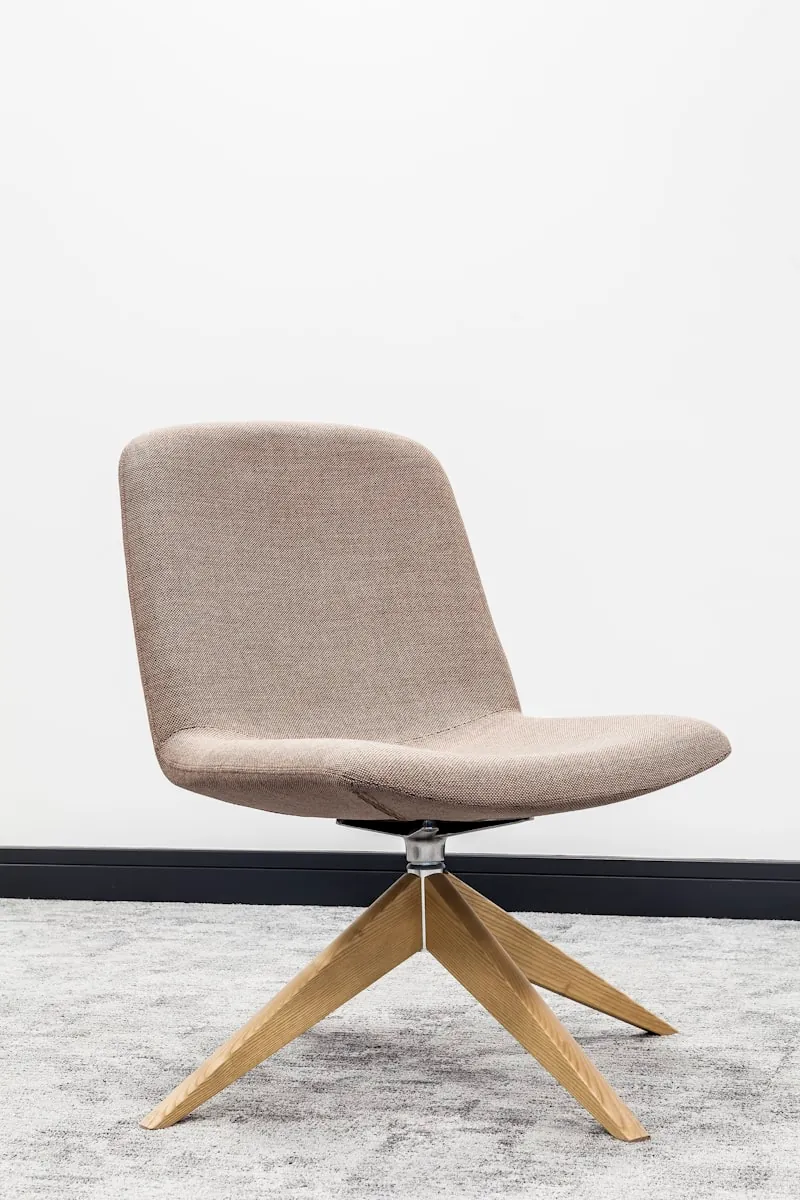
Most important thing you'll buy. Bad chair equals back pain, poor posture, and less productive work. Not where you save money.
What to look for. Height adjustment so your feet rest flat. Lumbar support built in or adjustable. Armrests that move up and down. Mesh back so you don't overheat. Solid five-point base with smooth casters.
New options around a hundred to a hundred fifty. Staples Hyken for around a hundred fifty is the best budget ergonomic choice. Amazon Basics Mid-Back Mesh for a hundred is solid basic. Flash Furniture Mid-Back for eighty to a hundred works as entry level.
Used options around fifty to a hundred. Steelcase Leap used is a premium chair at budget price. Herman Miller Aeron used often runs two to three hundred from liquidators. Any commercial-grade chair from office liquidation sales.
Search for office furniture liquidation near you. Companies closing or downsizing sell high-end chairs for fifty to eighty percent off. A used thousand dollar chair almost always beats a new hundred fifty dollar chair.
Desk: Fifty to Hundred
Unlike chairs, desks are basically flat surfaces. Don't need to spend much. Basic desk works as well as expensive ones for most remote work.
What to look for. Minimum forty eight inches wide by twenty four inches deep. Standard height twenty eight to thirty inches. Shouldn't wobble when you type. Smooth surface that's easy to clean.
New options around fifty to a hundred. IKEA Lagkapten tabletop plus legs for fifty to seventy lets you mix and match. Amazon Basics Writing Desk for seventy is simple and functional. Walmart Mainstays for forty to sixty is the budget champion. Target Room Essentials for fifty to eighty has clean design.
Used or free options. Facebook Marketplace and Craigslist often have free ones or twenty to thirty bucks. Thrift stores are hit or miss but great deals exist. Door on sawhorses is a DIY classic that actually works. Dining table you already own costs nothing.
If you're handy, IKEA countertops for forty to a hundred make excellent desk surfaces. Pair with cheap legs for a semi-custom solution.
Monitor: Hundred to Hundred Fifty
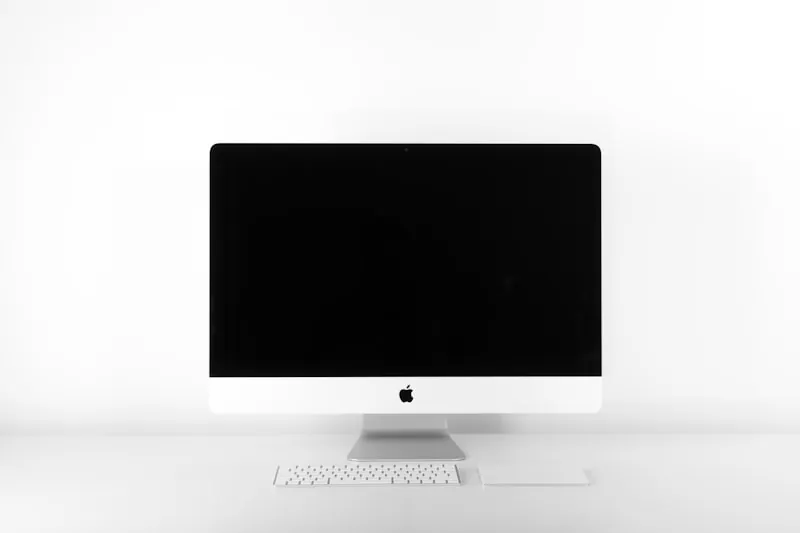
External monitor dramatically improves working experience. Laptop screen is too small and too low. You hunch over it all day. Proper monitor at eye level reduces neck strain and increases productivity.
What to look for. Twenty four inches minimum. Twenty seven is the sweet spot. 1080p resolution is fine. 1440p is nicer if budget allows. IPS panel for better colors and viewing angles. Height adjustment is a plus. HDMI is standard. Check your laptop's ports.
Twenty four inch 1080p options run a hundred to a hundred thirty. Dell SE2422HX for around a hundred ten is reliable brand with good quality. LG 24ML44B for a hundred has solid IPS panel. ASUS VA24DQ for a hundred twenty has good features for the price.
Twenty seven inch 1080p options run a hundred thirty to a hundred sixty. Dell SE2722HX for a hundred forty is bigger screen same reliability. LG 27MQ400 for a hundred fifty has IPS and works for most jobs. Samsung M5 Smart Monitor for a hundred fifty has bonus streaming features.
Check Amazon Warehouse for "Used Like New" or "Used Very Good" monitors. Often just returns with damaged packaging. Saves fifteen to thirty percent.
Keyboard Mouse and Accessories
Keyboard runs twenty to forty. External keyboard improves ergonomics significantly when using a laptop. Position it separately from your screen at the right height.
Logitech K120 for fifteen bucks is simple reliable and cheap. Microsoft Wired Keyboard 600 for fifteen is basic but solid. Logitech K380 for forty is wireless compact and connects to multiple devices.
Mouse runs fifteen to thirty. Logitech M185 for fifteen is basic wireless. Logitech M510 for twenty five is more comfortable for long use. Anker Vertical Mouse for twenty is ergonomic for wrist pain.
Accessories run fifteen to twenty five. Large mouse pad with wrist rest for ten to fifteen. Cable clips and ties to keep desk tidy for five to ten. USB hub if your laptop has limited ports for fifteen to twenty. Laptop stand raises screen to eye level for fifteen to twenty five.
Lighting and Audio
Desk lamp runs twenty to thirty. Good lighting reduces eye strain and improves video call quality. Natural light is best but desk lamp fills in when needed.
LED lamp with adjustable brightness for twenty to thirty. Look for color temperature adjustment from warm to cool. Swing arm design lets you position it where you need.
Headset runs twenty to thirty. For video calls any headset with a microphone beats your laptop's built-in mic. Don't need fancy equipment. Just clear audio.
Logitech H390 for twenty five is USB headset and reliable. Mpow HC6 for twenty is budget-friendly with decent quality. Any earbuds with inline mic for fifteen to twenty. Already own some?
Saving Money
Where to shop. Amazon Warehouse has open-box and returned items at fifteen to thirty percent off. Facebook Marketplace means local pickup with no shipping. Craigslist lets you negotiate and inspect before buying. Office liquidation sales have high-end furniture at steep discounts. IKEA has reliable budget furniture especially desks. Walmart and Target have basic options at good prices. Slickdeals.net has deal alerts for specific products.
Timing matters. Black Friday and Cyber Monday have best sales of the year. Prime Day in July has good tech deals. Back to school in August has office supplies and furniture deals. End of quarter in March June September and December brings business liquidations.
General tips. Buy used furniture but new electronics for hygiene and reliability. Skip brand names for basics like cables and mouse pads. Check employer benefits since many cover home office equipment. Use what you already have before buying new. Avoid gaming branded products. Same specs but higher prices.
Sample Builds
Ultra-budget build around three hundred
The absolute essentials.
Used office chair from Facebook Marketplace for fifty. IKEA Lagkapten table for sixty. Twenty four inch Dell monitor from Amazon Warehouse for ninety five. Logitech K120 keyboard for fifteen. Logitech M185 mouse for fifteen. Basic desk lamp for twenty. USB headset for twenty. Cable ties for five. Total around two eighty.
Balanced build around four fifty
Better comfort without breaking the bank.
Staples Hyken chair for a hundred fifty. Amazon Basics desk for seventy. Twenty seven inch LG monitor for a hundred fifty. Logitech K380 keyboard for forty. Logitech M510 mouse for twenty five. LED desk lamp with dimmer for twenty five. Logitech H390 headset for twenty five. Mouse pad plus cable management for fifteen. Total around four fifty.
Maximum value build around five hundred
Best possible setup at this budget.
Used Steelcase Leap from liquidation for a hundred seventy five. IKEA countertop plus legs for ninety. Twenty seven inch 1440p monitor on sale for a hundred eighty. Logitech K380 keyboard for forty. Logitech M510 mouse for twenty five. Desk lamp for twenty five. Laptop stand for twenty. Headset plus accessories for forty. Total around four ninety five.
Questions
Frequently Asked Questions
Get Started
Five hundred bucks is more than enough for comfortable productive home office. Prioritize where it matters on chair and monitor. Be smart about where you can save on desk and accessories.
Don't feel pressured to buy everything at once. Start with the essentials. Decent chair and proper monitor. Add other items over time as your needs become clearer.
Best home office isn't the most expensive one. It's the one that helps you do your best work. At five hundred, you can absolutely build that.