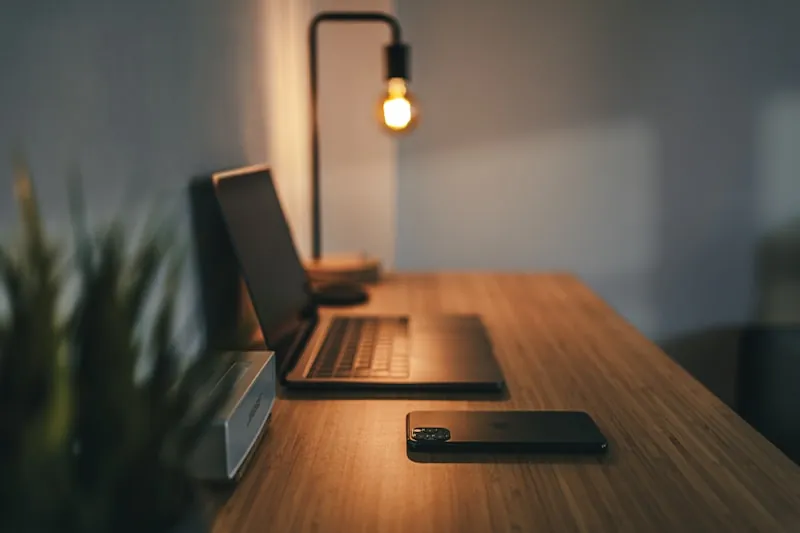
Spent way too long overthinking my home office setup. Bought random stuff I thought I needed. Missed important things I actually did need. Six months in, finally figured out what matters.
This is everything. Organized by category so you don't make the same mistakes I did.
You don't need everything on day one. Start with essentials. Add stuff as your budget and needs become clearer.
Your Desk and Chair
The desk. Minimum forty eight inches wide for comfortable work. Sixty inches if you use multiple monitors. Standard height twenty eight to thirty inches but adjustable is ideal. At least twenty four inches deep so your monitor sits at proper distance. Cable management built in is a nice bonus.
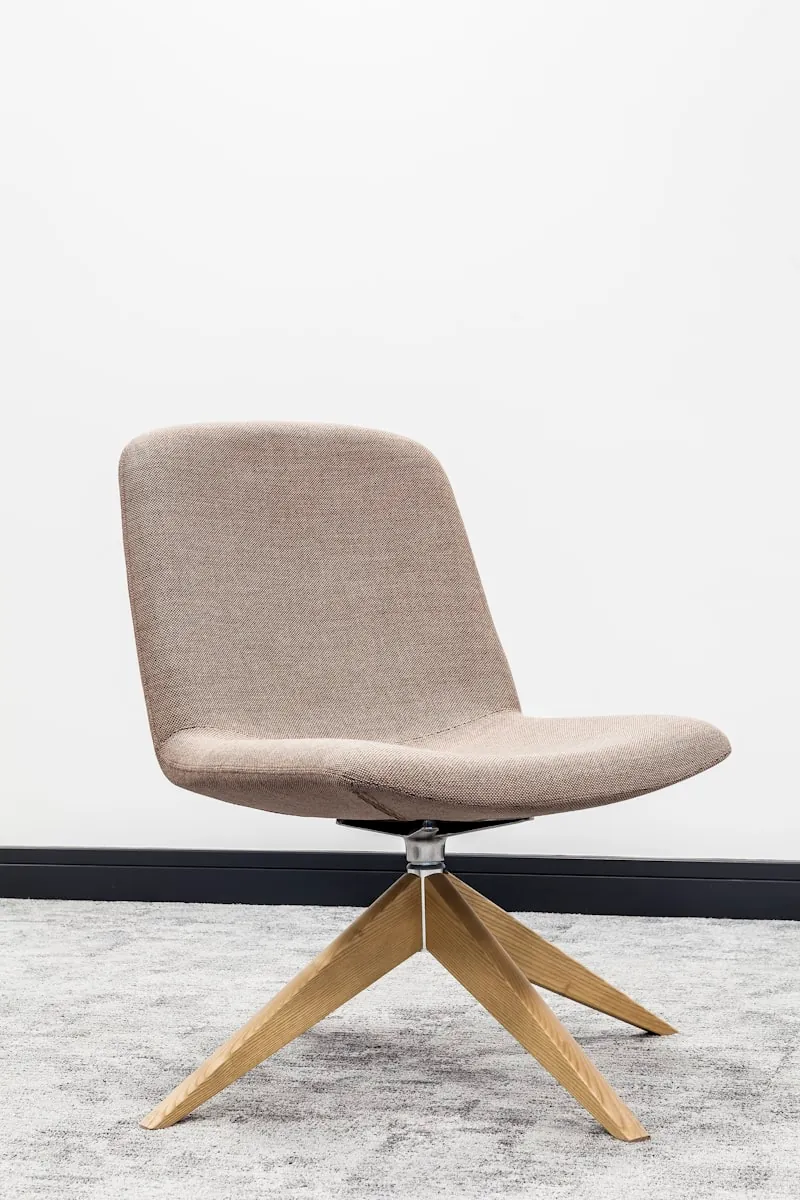
The chair. Most important purchase. Don't cheap out here.
Adjustable height so your feet sit flat on the floor with thighs parallel to ground. Lumbar support that actually adjusts to prevent lower back pain. Armrests that move up and down so your elbows hit ninety degrees. Seat deep enough for two to four fingers of space between edge and back of your knees. Mesh back helps if you run hot.
Other furniture to consider. Monitor stand or arm to raise screen to eye level. Footrest if your feet don't reach the floor comfortably. Filing cabinet or drawers for documents. Bookshelf for reference materials.
Tech Stuff
Computing basics. Computer that matches your work requirements. External monitor at least twenty four to twenty seven inches. Larger or dual monitors if you're constantly multitasking. External keyboard if you use a laptop. Ergonomic or mechanical keyboard for comfort. Mouse that won't destroy your wrist. Large mouse pad with wrist rest.
Video call gear. Webcam at least 1080p. 4K if you do professional presentations. USB mic or decent headset. Built-in laptop mics sound terrible. Good headphones to hear calls clearly and block out distractions. Ring light or lamp aimed at your face so you don't look like a shadow on calls.
Connectivity. USB hub or dock gives you more ports to work with. Ethernet cable because wired beats wifi for reliability. Power strip with surge protection. UPS battery backup if power outages would wreck your workday.
Getting the Light Right
Natural light. Put your desk sideways to windows. Cuts the glare. Blinds or curtains let you control how much sun gets in. Bright window behind you ruins video calls.
Artificial light. LED desk lamp with adjustable brightness. Overhead or floor lamp for ambient lighting that reduces harsh contrast. Task lighting for reading documents. Color temp around four to five thousand kelvin for work. Warmer in evenings. Light facing you at face level for video calls.
Keeping Things Organized
Desk organization. Pen holder to keep writing tools accessible. Document tray for incoming paperwork. Drawer organizers to prevent junk drawer chaos. Monitor shelf creates storage underneath. Desktop organizer for small items and sticky notes.
Cable management. Cable clips to keep things routed neatly. Cable sleeve to bundle multiple cables. Under-desk tray to hide power strips and excess cable. Velcro ties for adjustable bundling.
Documents. Filing cabinet for important papers. Scanner to digitize documents and reduce paper clutter. Shredder for sensitive documents. Label maker to keep everything clearly marked.
Making It Comfortable
Monitor positioning. Arms length from your eyes. Twenty to twenty six inches. Top of screen at or slightly below eye level. Slight backward tilt to reduce glare. If using multiple monitors, primary directly ahead with secondary at slight angle.
Keyboard and mouse positioning. Arms bent at ninety degrees. Wrists straight. Wrist rest optional and better used during breaks than while typing. Mouse close to keyboard at same height.
Comfort items. Footrest if your chair doesn't let feet sit flat. Cushion for extra padding during long sessions. Back support pillow if chair lumbar support falls short. Rubber mat in front of standing desks saves your feet and knees.
Environment. Fan or space heater for when the temperature gets annoying. Plants make the air better and stress easier. White noise machine drowns out distractions. Air purifier helps especially in smaller spaces.
What It Costs
Budget tier five hundred to eight hundred. Focus on essentials that directly impact work and health. Tighter than that? Here's a home office setup for $500.
Basic ergonomic chair runs a hundred fifty to two fifty. Simple desk costs a hundred to two hundred. External monitor hits a hundred fifty to two hundred. Keyboard and mouse together run fifty to a hundred. Desk lamp around thirty to fifty.
Mid-range tier fifteen hundred to twenty five hundred. Better quality and more comfort features.
Quality ergonomic chair four hundred to six hundred. Electric standing desk four hundred to six hundred. Twenty seven inch 4K monitor three hundred to four hundred. Quality webcam a hundred to a hundred fifty. Good headset a hundred to two hundred. Proper lighting setup a hundred to a hundred fifty.
Premium tier three thousand to five thousand or more. The good stuff for serious remote workers.
Premium chair like Herman Miller or Steelcase runs a thousand to fifteen hundred. Motorized standing desk with memory presets seven hundred to a thousand. Dual monitors or ultrawide six hundred to a thousand. Professional microphone setup two hundred to four hundred. 4K webcam two hundred to three hundred. Mechanical keyboard a hundred fifty to three hundred. High-end peripherals and accessories run three hundred to five hundred more.
Short Version
Absolute essentials. Desk appropriate size for your work. Ergonomic chair. Computer. External monitor. External keyboard. Mouse. Desk lamp. Headset or headphones. Webcam. Solid internet connection.
Worth adding soon. Monitor stand or arm. Cable management solution. Power strip with surge protection. USB hub or dock. Footrest if needed. Desk organizer. Good lighting for video calls.
Nice to have eventually. Standing desk or desk converter. Noise canceling headphones. Second monitor. UPS battery backup. Document scanner. Plants. White noise machine.
Common Questions
Frequently Asked Questions
Where to Begin
Grab the essentials first and skip the extras until later. Decent chair, desk, and your computing equipment. Then add items over time as you figure out what would actually improve your workday.
Best home office is one you'll actually use comfortably for years. Invest in quality where it matters most. Chair, monitor, keyboard. Save on items where budget options work just as well. Your future self will appreciate taking time to set this up properly.